
Mastering touch controls in The Gardens Between
One gesture runs the whole game — but the small settings and habits around it separate a good session from a perfect one. The complete mobile guide, no spoilers.
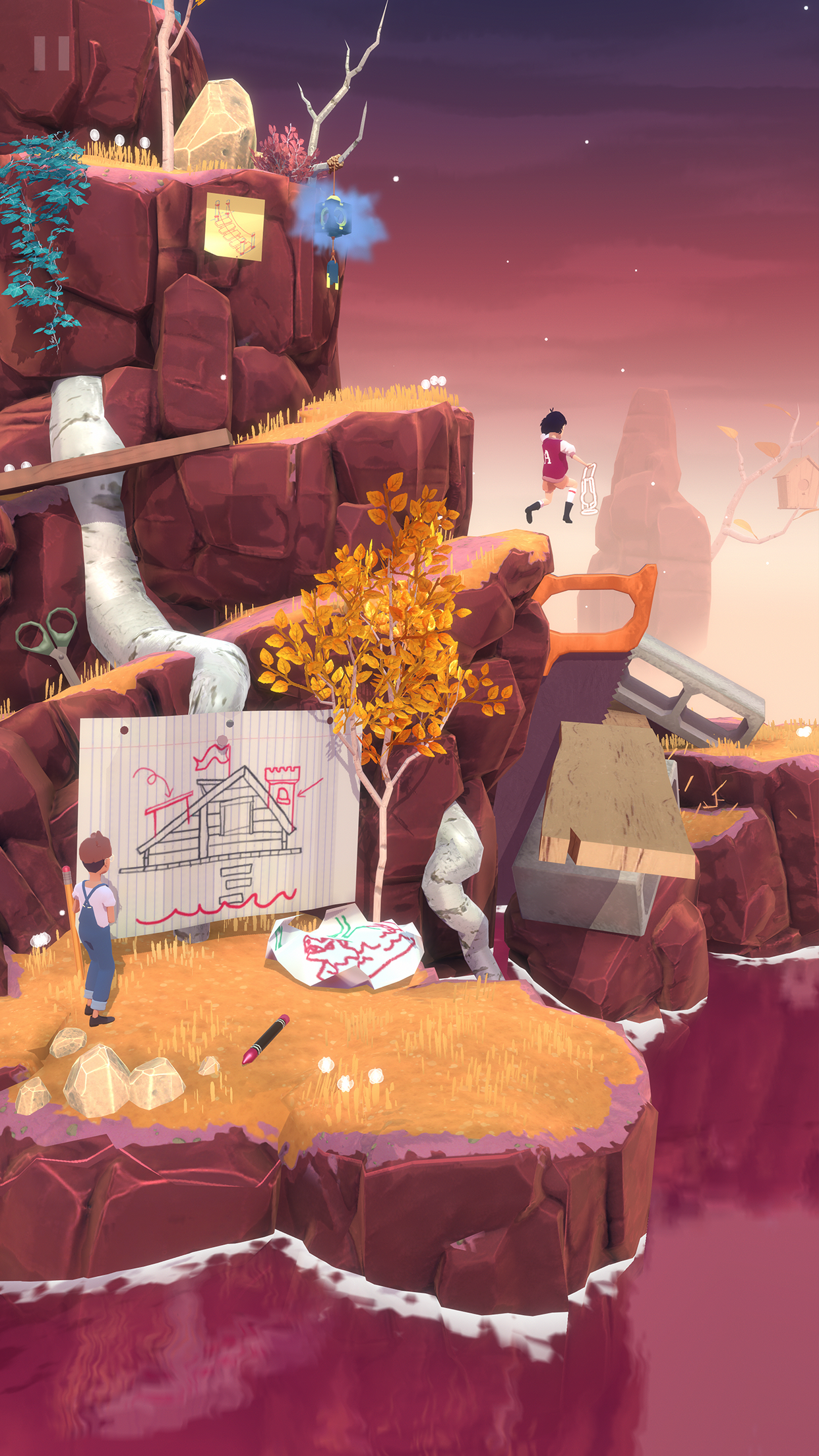
The Gardens Between was rebuilt for touch rather than ported to it — the timeline gesture lives where your thumb already rests, and the entire interface was designed to disappear while you play.
Still, a few habits and settings make the difference between fighting the glass and conducting it. Here's the complete rundown.
Studio Editorial
Long-form writing from the Gardens Between World team — guides, essays and the occasional confession from development.
In this article
- The gesture, properly
- Settings worth changing
- Session habits that preserve the dream
- If it still fights you
The gesture, properly
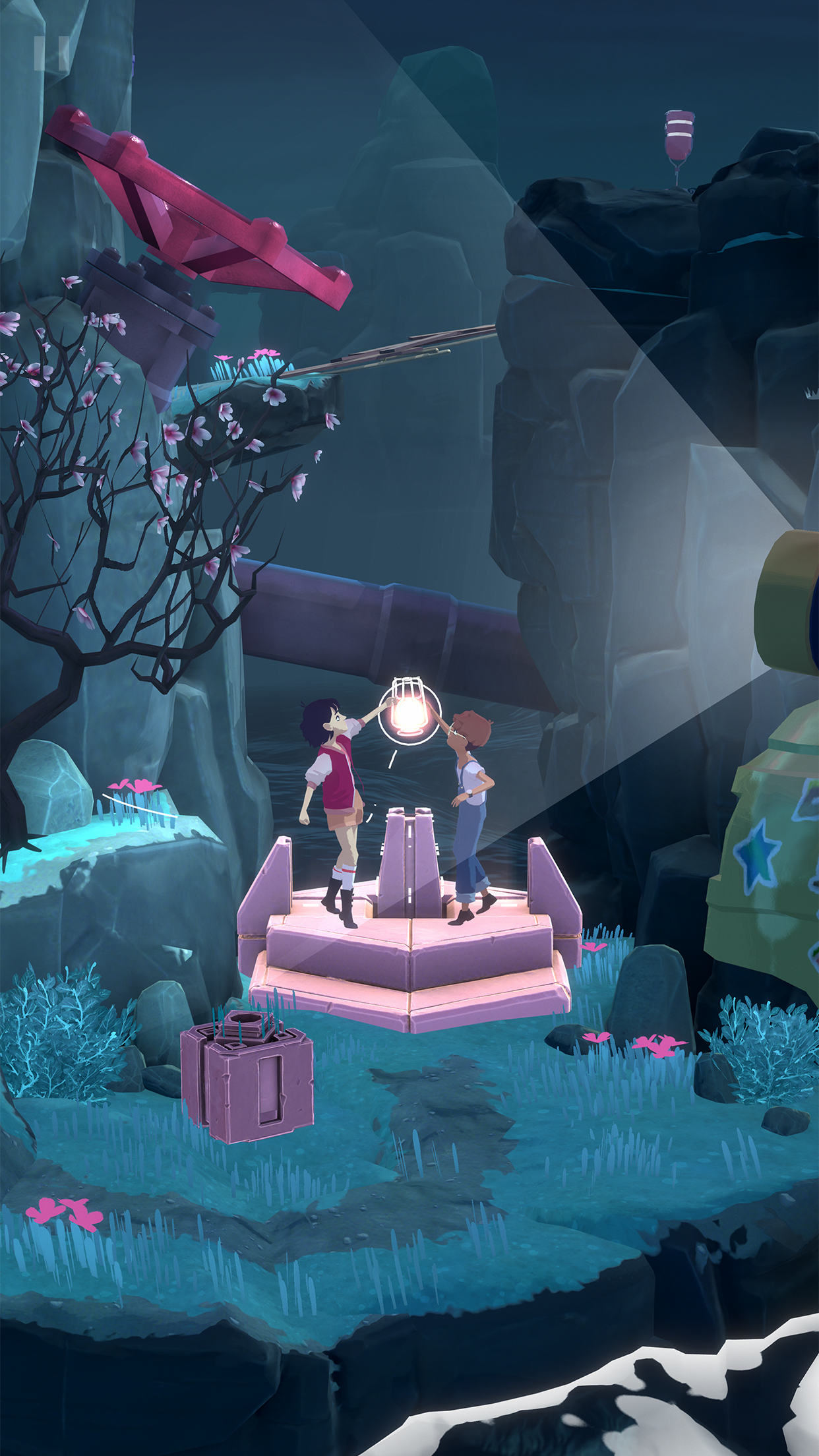
Swipe or hold anywhere: right flows time forward, left rewinds it. Speed follows pressure of gesture — slow drags give frame-level control, which is what the late-game braids demand. You don't need to touch the characters; they're scenery with legs, and the world is your instrument.
Small habit that changes everything: make smaller swipes. New players drag the whole screen and overshoot the frame they needed; veterans scrub in centimetre strokes.
The best control scheme is the one you forget exists by the second island.— UX notes, mobile version
Settings worth changing
In settings: bump 'timeline sensitivity' down if you keep overshooting, enable 'hold to scrub' if swiping fatigues your hand, and turn on high-contrast interactables — it tints freeze-able elements subtly, and it's the single most under-used assist in the game.
Session habits that preserve the dream
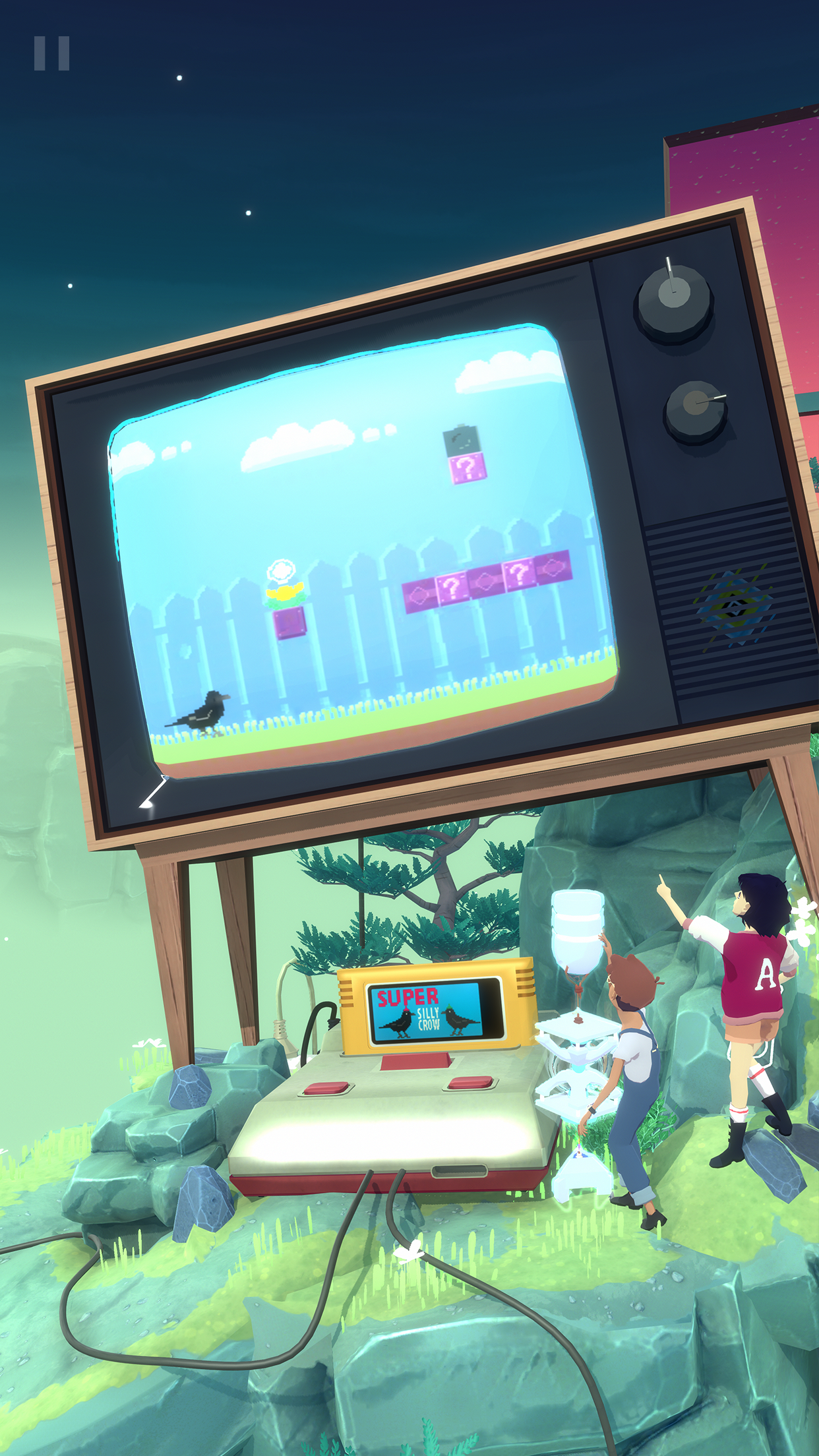
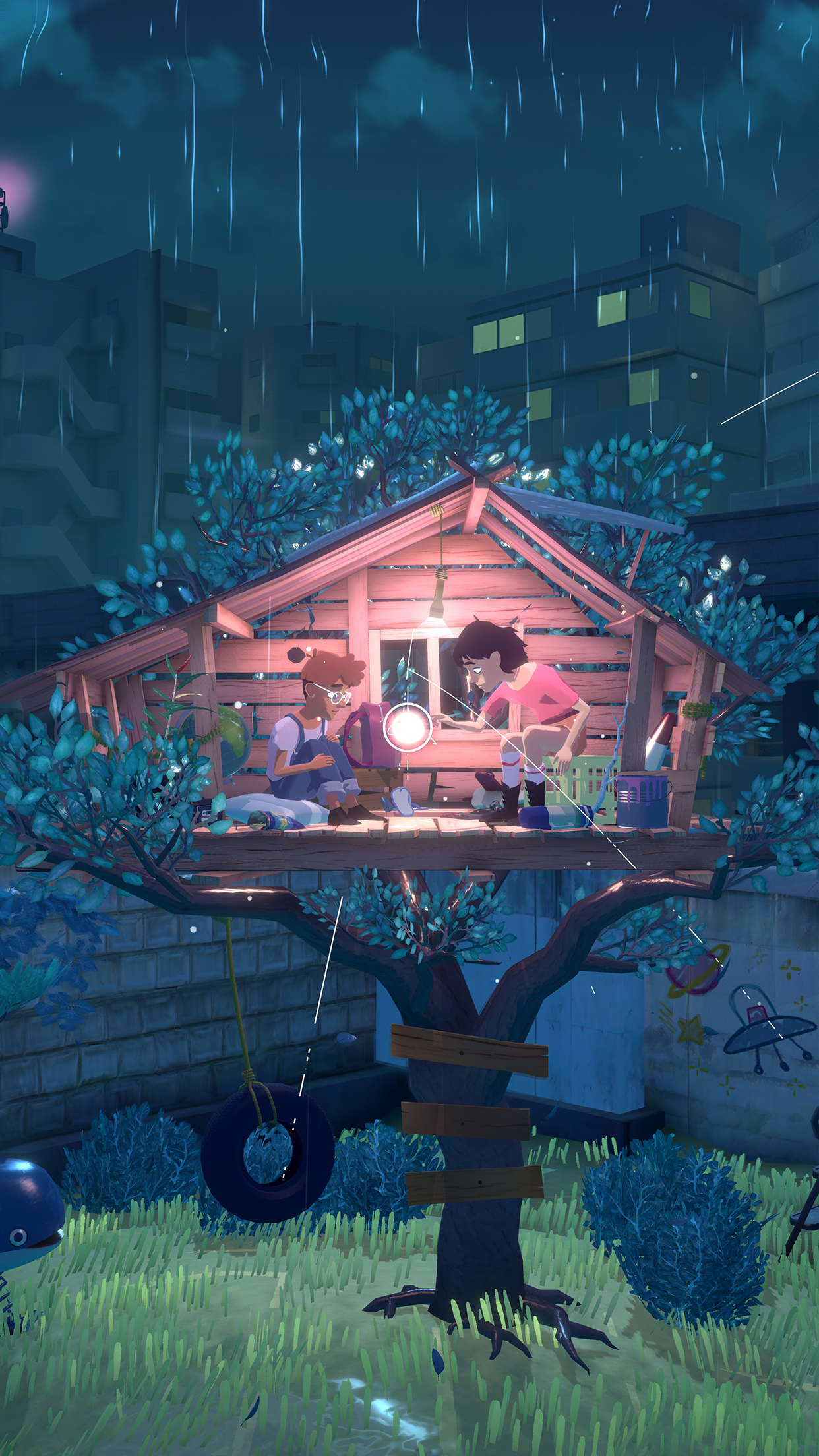
Play with sound on — several puzzles are easier with the audio cues that mirror timeline direction. Play in short sits; the game is built for tram rides, and islands save at every altar mid-level.
Quick fixes for common friction
- Sensitivity down + hold-to-scrub = surgical control on late islands.
- Battery saver off while playing — it throttles the 60fps the game wants.
- Bluetooth controller pairs automatically if you'd rather feel buttons.
If it still fights you
The support desk keeps a running list of device-specific quirks — check the FAQ's performance section first, then write in with your device model. Most touch complaints resolve to a sensitivity tweak or a battery-saver setting.
Keep reading: Performance & platform FAQ · The Standard Edition
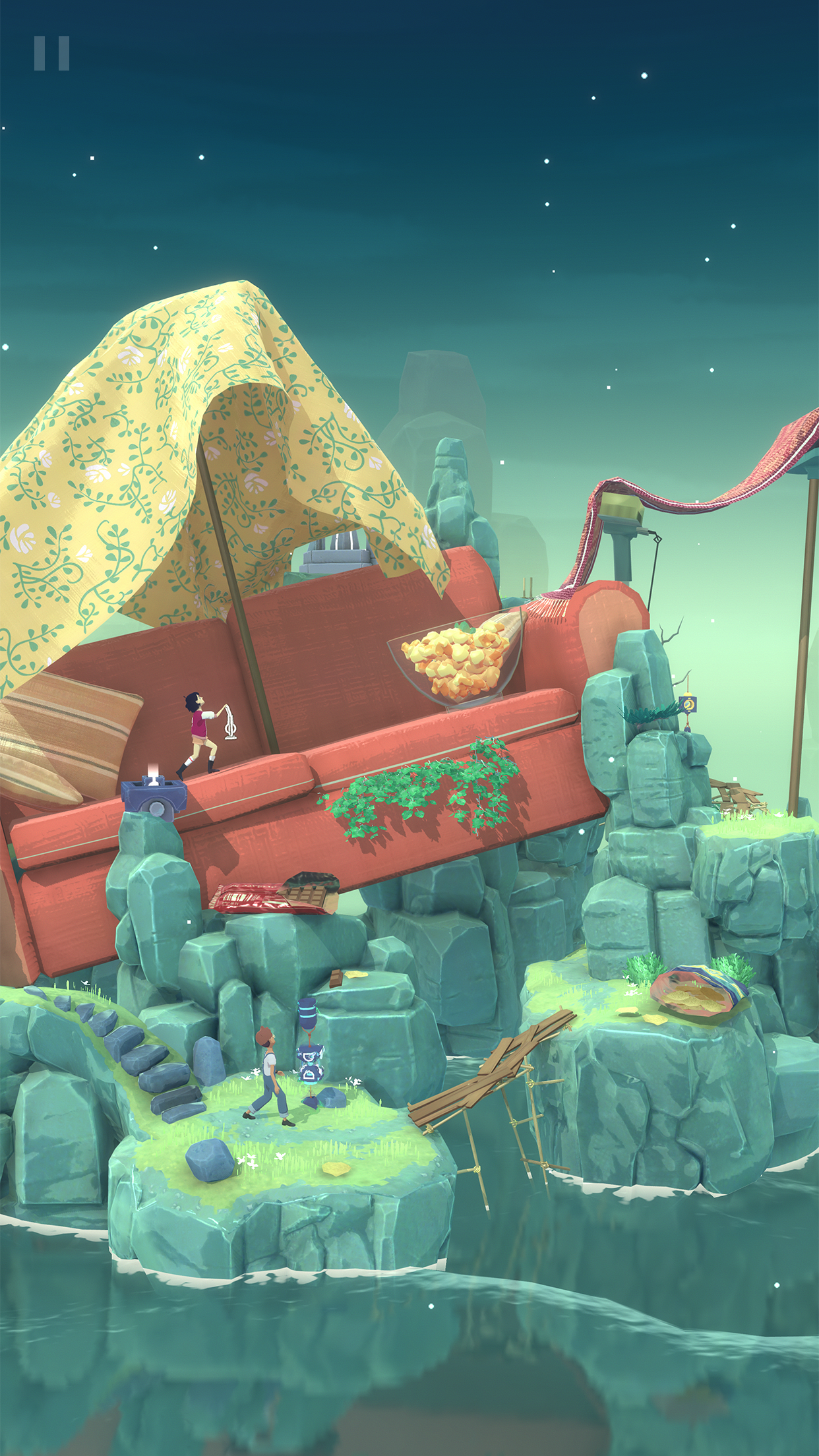
Put the timeline in your thumb
The whole dream, one gesture — A$7.99 on mobile.